Setup guide
How it works
You receive username, password and portal URL on WhatsApp after you order. Install a player, add those details, then open Live TV. Don’t have a plan yet? See pricing & plans or the 26,000+ channel list.
Install IPTV on Windows / Mac
Use IPTV Smarters Pro on the computer, then log in with the Necro details we send on WhatsApp.
Step 1 — Download the player
Install IPTV Smarters Pro:
- Windows: iptvsmarters.com Windows app
- Mac: iptvsmarters.com Mac app
Open the app, scroll the Terms of Use and tap Accept.
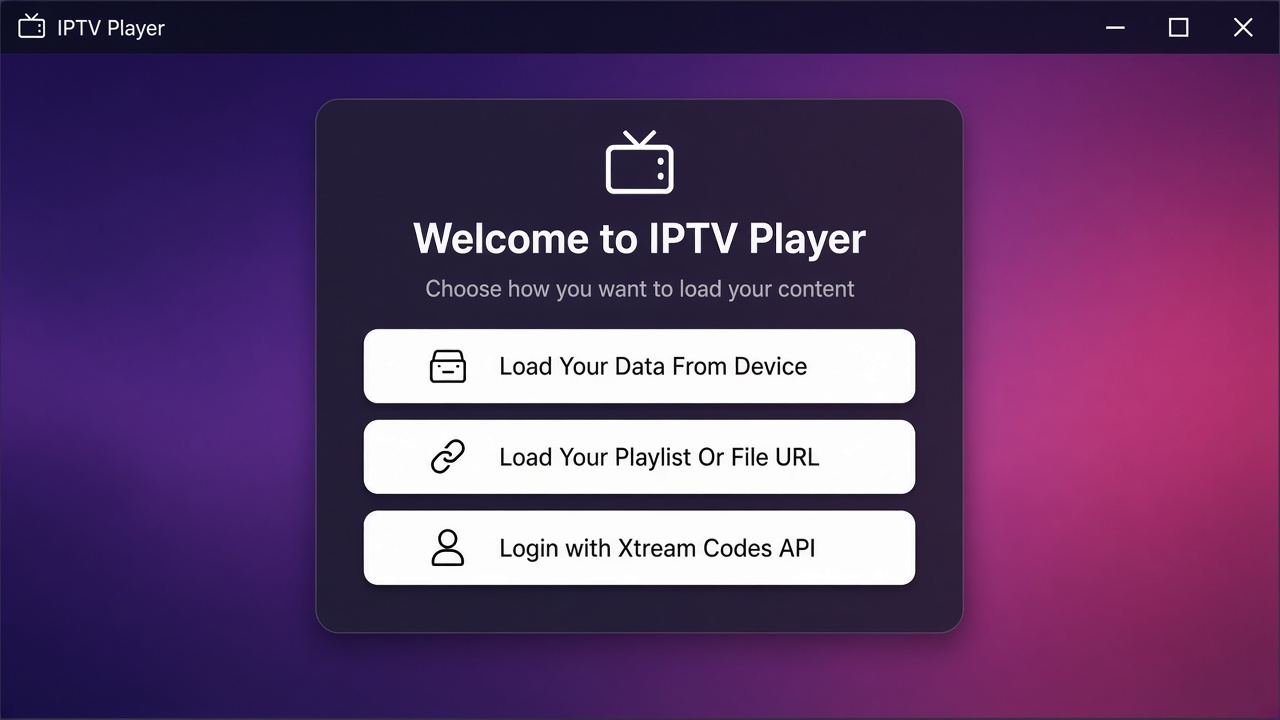
Step 2 — Login with Xtream Codes API
- Click Add user, then Login with Xtream Codes API.
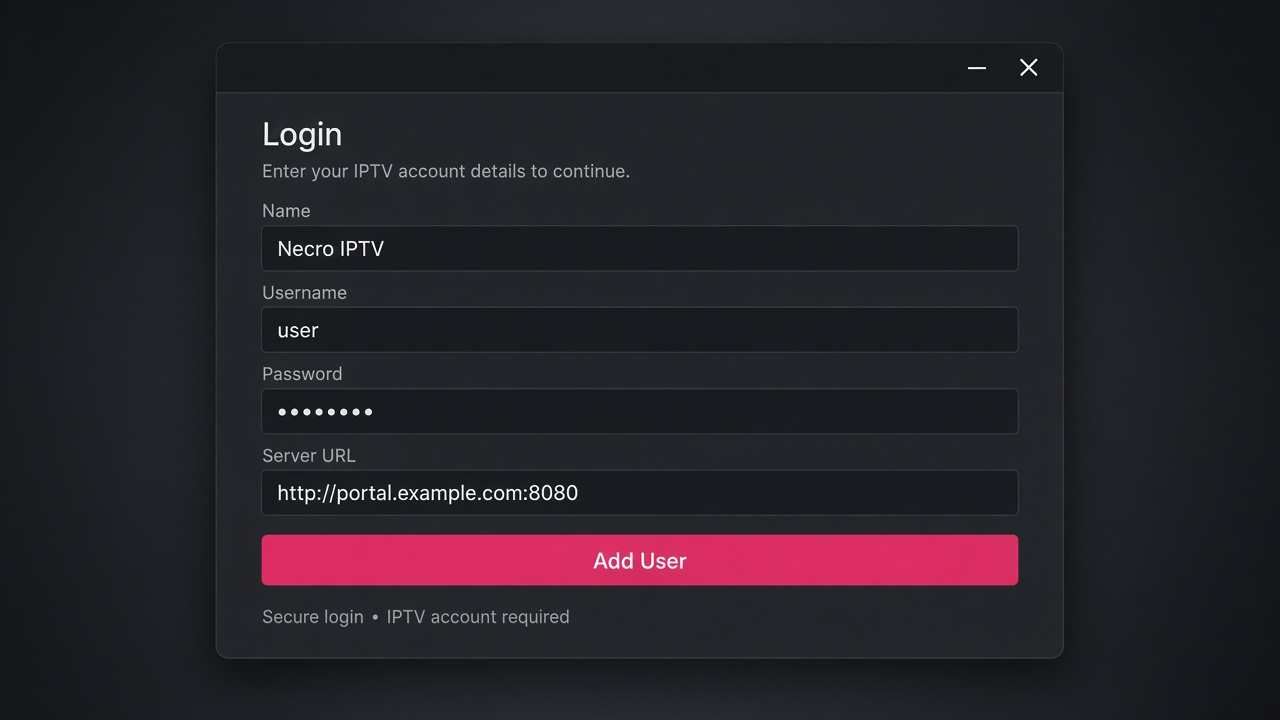
- Name: Necro IPTV.
- Enter the username, password and server URL from WhatsApp.
- Click Add User and wait a few seconds.
Xtream login is recommended — catch-up and EPG load automatically. Playlist / M3U is the backup if we send an M3U URL instead.
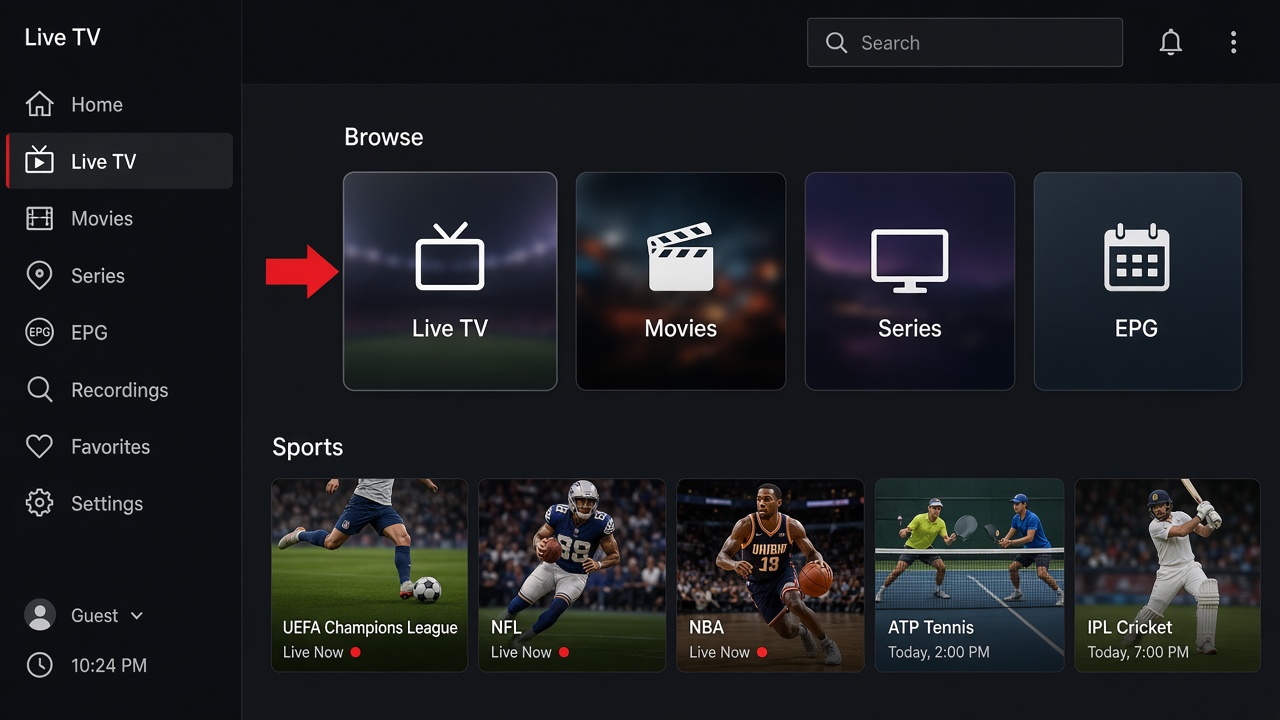
Step 3 — Open Live TV
- Click the Live TV tile.
- Pick a country or sports group.
- Click a channel, then double-click the preview for full screen.
Install IPTV on Amazon Firestick
Amazon Store does not list IPTV Smarters. Enable Unknown Sources, then sideload the APK with Downloader.
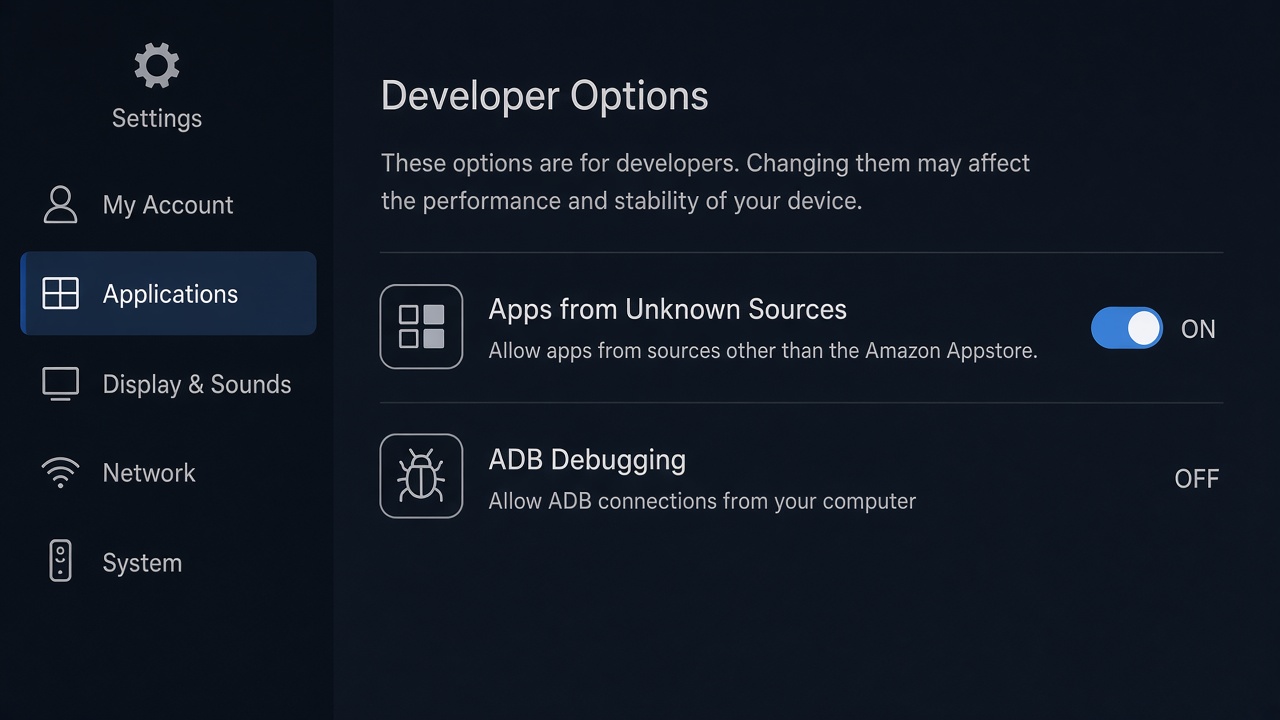
Step 1 — Apps from Unknown Sources
- Home → Settings → My Fire TV → Developer Options.
- Turn Apps from Unknown Sources ON.
- Confirm Turn on on the warning screen.
Step 2 — Install via Downloader
- Search the Firestick store for Downloader and install it.
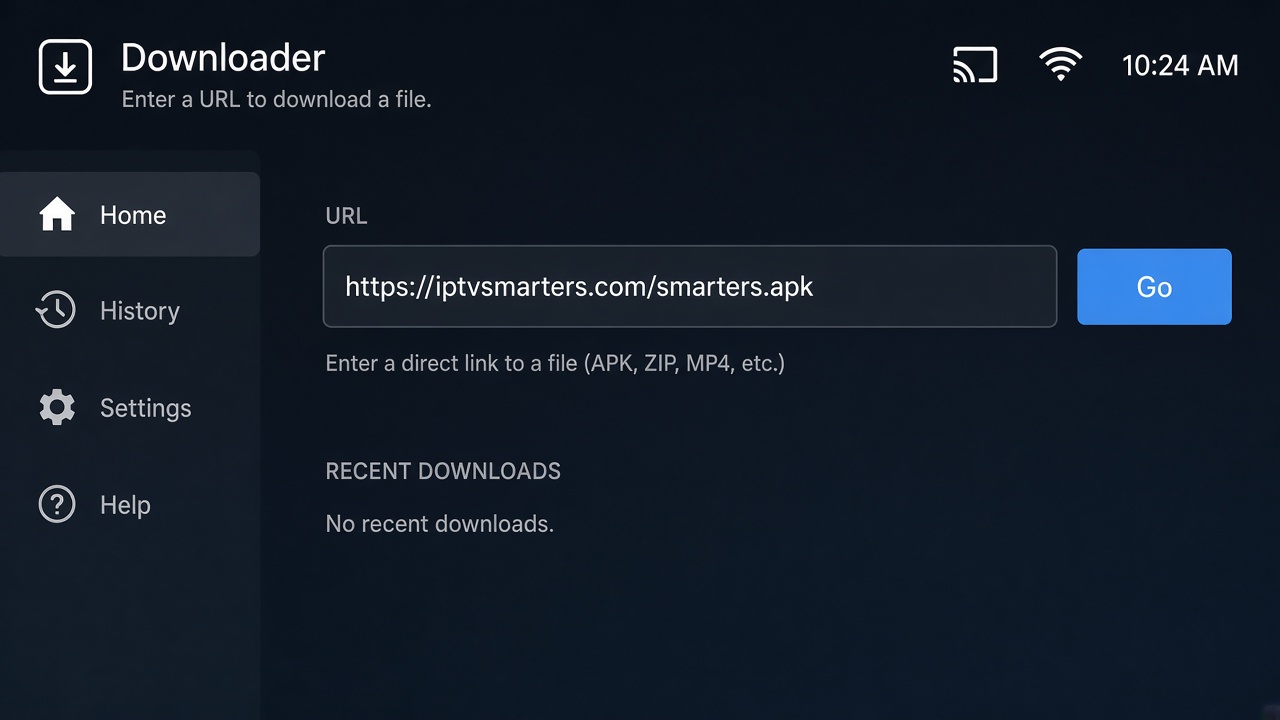
- Open Downloader, tap the URL box.
- Enter
https://iptvsmarters.com/smarters.apkand tap Go. - Tap Install, wait, then Done.
- Delete the APK in Downloader to free storage.
Step 3 — Add Necro and watch
- Open IPTV Smarters, Accept terms.
- Add user → Login with Xtream Codes API.
- Paste username, password and URL from WhatsApp.
- Open Live TV and pick a channel.
Install IPTV on Samsung & LG Smart TV
Install Smarters from the TV app store, then log in with the same WhatsApp details.
Samsung Smart TV
- Press Smart Hub on the remote.
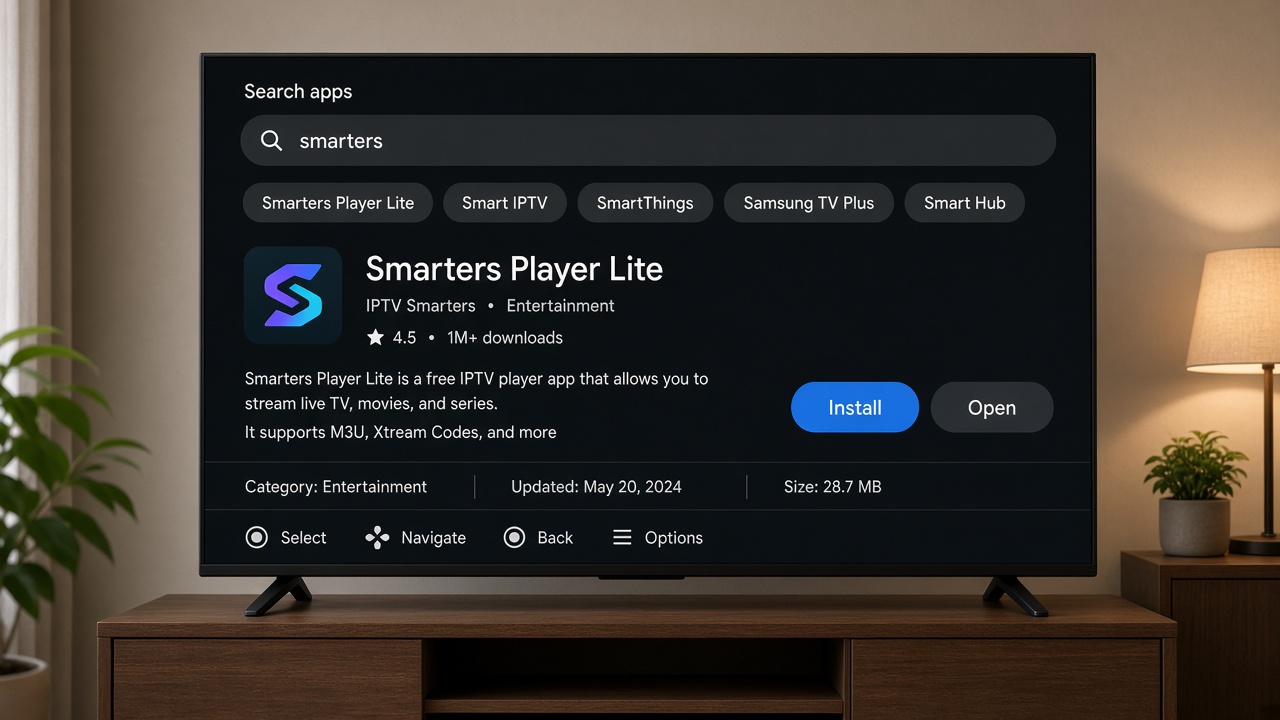
- Search for Smarters Player and install.
- Open the app and log in with username, password and portal URL.
LG Smart TV
- Press Home → LG Content Store.
- Search for Smarters Player and install.
- Log in with the Necro subscription details from WhatsApp.
Then add the playlist
Same as PC: Add user → Xtream Codes API → name it Necro IPTV → Live TV.
Install IPTV on a Formuler box
Formuler boxes support MAC portal and M3U. Use MYTV Online 2 (or the Play Store copy if missing).
Add portal
- Open MYTV Online 2.
- Note the MAC in the top-right — send it on WhatsApp if we ask.
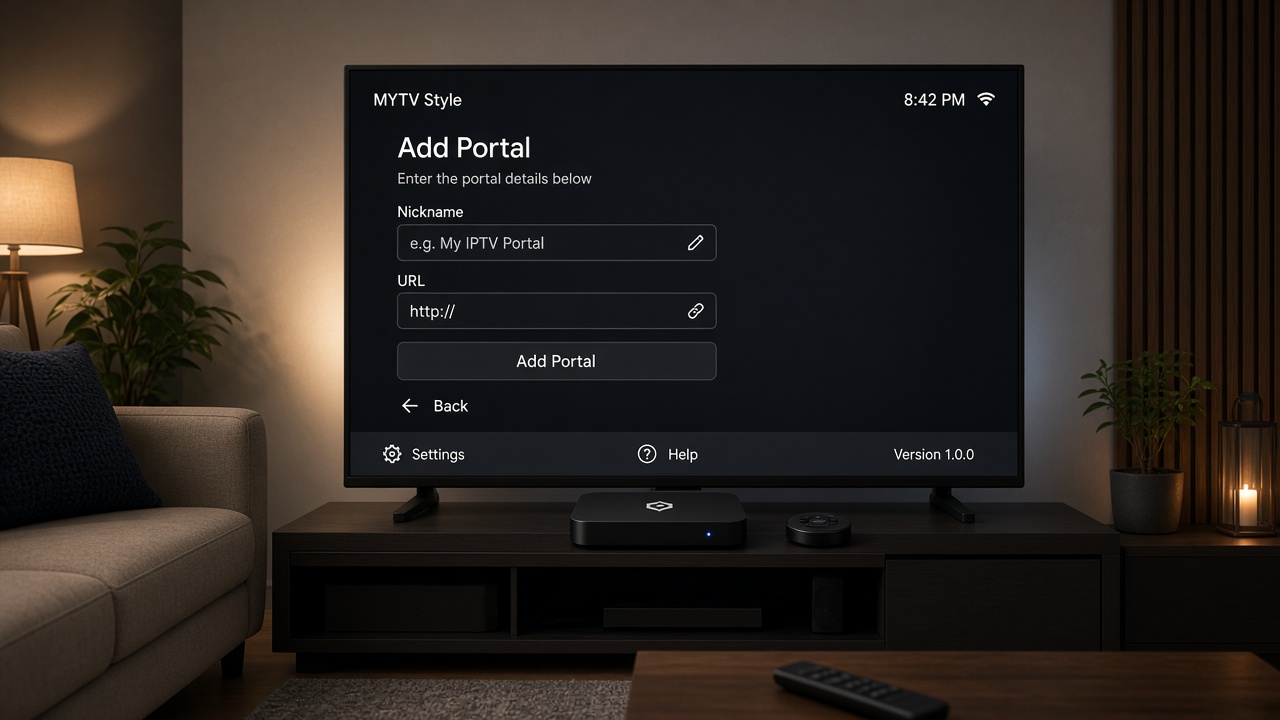
- Choose Add Portal.
- Nickname: Necro IPTV. Paste the portal URL we send, then Connect.
- Wait while channels load, then open Live TV.
Install IPTV on Android / iOS
Phone and tablet use the same Xtream login as TV — only the download link changes.
Step 1 — Get the app
- Android: iptvsmarters.com/smarters.apk
- iOS: search Smarters Player Lite on the App Store
Step 2 — Login
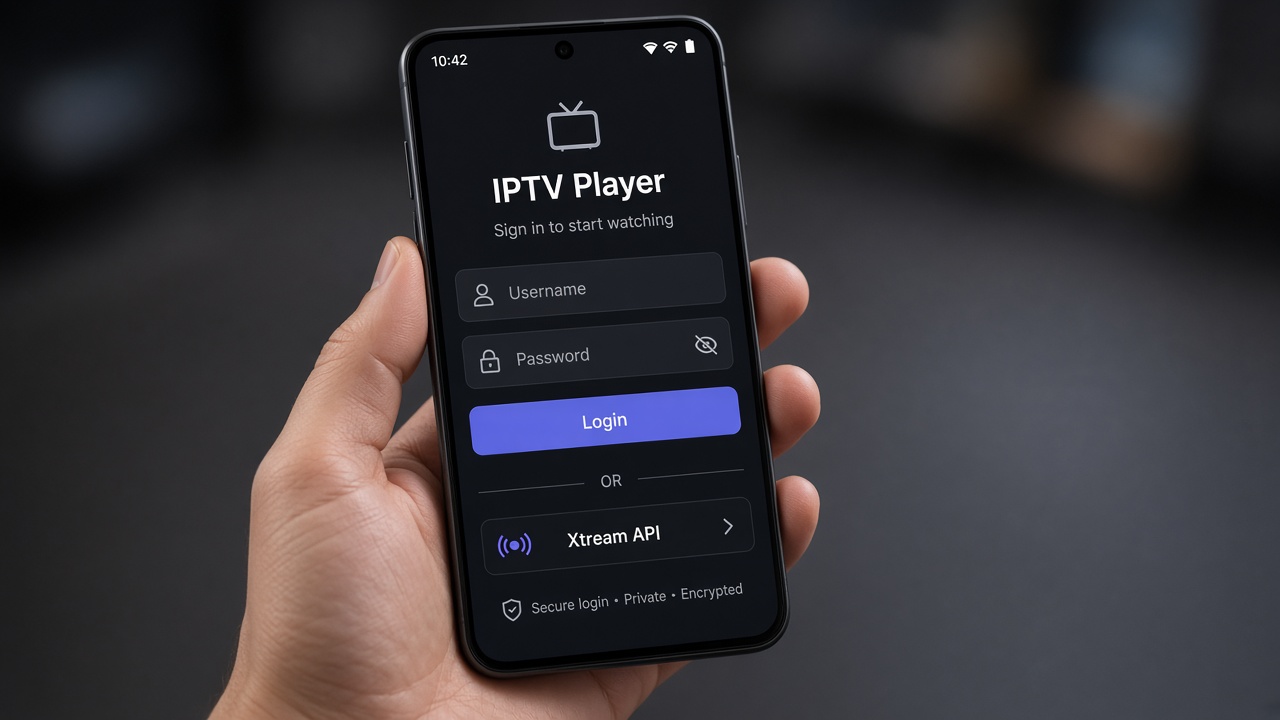
- Add user → Login with Xtream Codes API.
- Name, username, password, server URL from WhatsApp.
- Open Live TV. Pin the app to your home screen.
Playlist (M3U) instead of Xtream?
If we send an M3U URL: Add user → Login with Playlist → choose M3U URL → paste the link → Add User → Live TV.